Well Production Reporting: A Compliance Guide for Operators
Well production reporting is the monthly submission of per-well oil, gas, water, and injection volumes to the regulator that governs your lease, whether that’s a federal agency, a state commission, or a provincial body. If you operate wells on federal or Indian leases, your next move this month is filing OGOR-A (Oil and Gas Operations Report Part A) electronically through ONRR’s system before the deadline. State and provincial operators have parallel obligations through their own portals, and missing them creates the same headache: royalty disputes, audit flags, and sometimes real penalties.
Here’s what operators need to do right now, regardless of jurisdiction:
- Confirm which regulator has authority over each of your leases (federal, state, tribal, or provincial).
- Pull your per-well production numbers for the prior month before your internal close.
- Validate API well numbers, operator numbers, and volume fields against the format your regulator requires.
- Submit electronically through the correct portal and save the confirmation receipt.
Filing deadline to know: For federal, OCS, and Indian leases, OGOR-A reports must be received by the 15th of the second month following the production month, and electronic submission is mandatory under 30 CFR 1210 unless you’ve secured a paper-reporting exception. Miss that window and you’re not just late. You’re exposed to royalty recalculations and potential enforcement action.
Key Takeaways
Well production reporting requires accurate per-well data, adherence to regulator-specific deadlines, and an auditable submission trail to withstand royalty reviews and compliance audits.
| Point | Details |
|---|---|
| Know your deadline window | Federal/OCS/Indian leases require OGOR-A by the 15th of the second month following production. |
| Validate before you submit | Check API format, unit consistency, and status-versus-volume mismatches every month. |
| Track every jurisdiction separately | Build one deadline calendar covering ONRR, state, and provincial filing windows. |
| Retain a complete audit trail | Store the submitted file, confirmation receipt, validation log, and sales tie-out together. |
| Centralize data to cut errors | Platforms like Wellsmanager connect production, expense, and compliance data into one validated pipeline, reducing the manual reconciliation that causes rejections. |
Table of Contents
- What Is Well Production Reporting and Who Must File?
- What Data Fields Do Regulators Require in a Well Report?
- When Are Well Production Reports Due Each Month?
- How Do You Submit a Well Production Report?
- What Causes Well Production Reports to Get Rejected?
- How Do You Turn Production Data Exports Into Usable Reports?
- How Long Should You Retain Well Production Records?
- How Can Operators Reduce Reporting Errors and Overhead?
- How Does a Centralized Platform Simplify Regulator-Compliant Reporting?
- Why Are Operators Finally Moving Off Spreadsheets for Production Reporting?
- Get Audit-Ready Production Reports Without the Spreadsheet Chaos
- Primary Regulator and Data Portal Links to Bookmark
- Sources
What Is Well Production Reporting and Who Must File?
Well production reporting isn’t optional paperwork for a subset of large operators. It applies to any designated operator with active wells on federal, state, provincial, or tribal leases, regardless of company size. If your name is on the lease record as the operator of record, you have a filing obligation, and that obligation follows the well, not the size of your balance sheet.
The scope of what regulators want is narrower than it sounds but demanding in its precision. Reports typically cover four production categories per well: oil or condensate volume, gas volume, produced water volume, and injection volume where applicable. Each entry gets tied to specific well identifiers, most importantly the API well number (the standardized 10 to 14 digit code assigned to every well in the United States) and your operator number, which regulators use to match your submission against their lease records.
Why does precision here matter beyond avoiding a rejected form? Royalty calculations, severance tax assessments, and reserve estimates all draw from these numbers. A misreported gas volume doesn’t just create a filing error. It can trigger a royalty underpayment finding months or years later, complete with interest and penalties, because the regulator’s system flags the discrepancy against pipeline or purchaser data during an audit cycle.
Consider the ONRR example directly. OGOR-A requires monthly per-well reporting for every federal, OCS, and Indian lease, with no monthly minimum production threshold that exempts a marginal well from the requirement. A stripper well producing two barrels a day still needs its own line item, same as a high-volume unconventional well. That’s a detail a lot of smaller operators miss when they assume low production means low compliance burden.
- Operators of record on any active federal, state, tribal, or provincial lease must file, regardless of production volume.
- Reports must be per well, not aggregated by lease or field, in most jurisdictions.
- Oil, gas, water, and injection are the four core categories regulators expect every reporting cycle.
- API well numbers and operator numbers are the anchor identifiers tying your submission to the correct lease record.
What Data Fields Do Regulators Require in a Well Report?
Every regulator form varies slightly, but the core data dictionary is remarkably consistent across ONRR, state commissions, and provincial bodies. Getting these fields right the first time saves you the far more expensive cost of a rejected submission and a scramble before deadline.
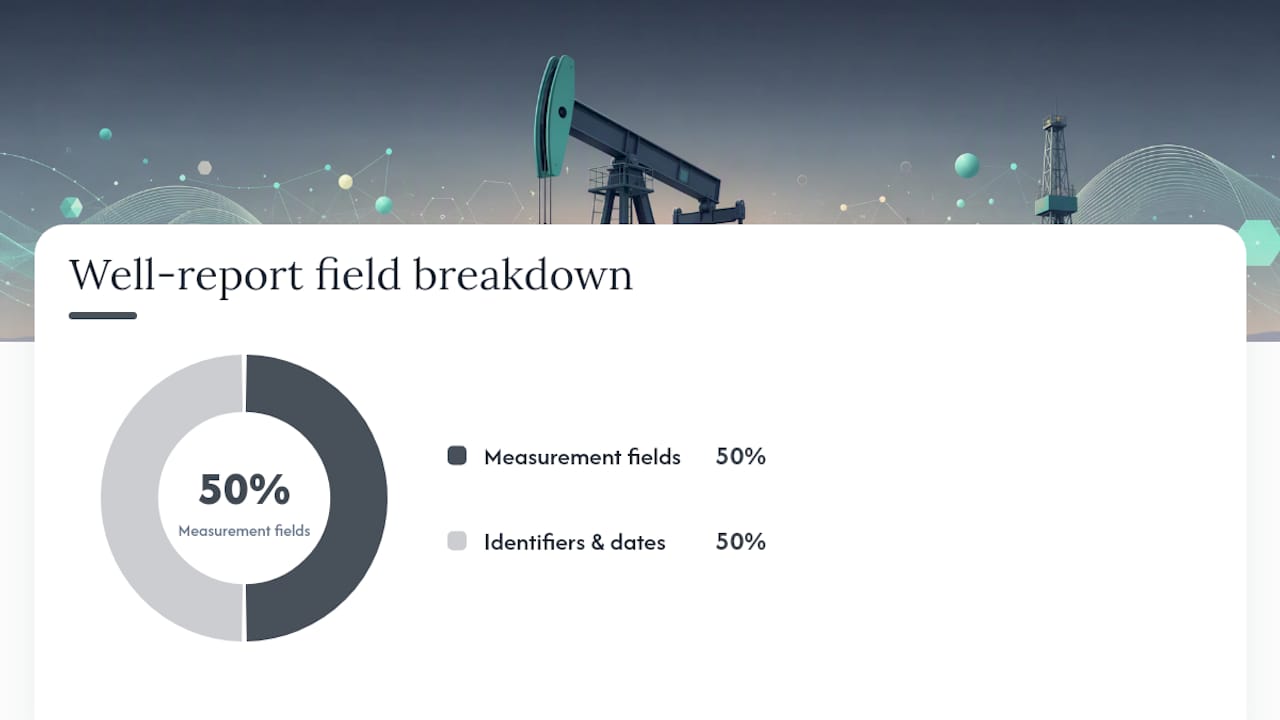
| Field | Definition | Formatting Note |
|---|---|---|
| API well number | Unique 10 to 14 digit identifier assigned to the well | Include leading zeros; no dashes in most electronic formats |
| Operator number | Regulator-assigned code identifying the reporting company | Must match the operator of record on file |
| Well status code | Indicates producing, shut-in, injecting, or plugged status | Code sets vary by regulator; use their published table |
| Production month | The calendar month the volumes represent | Typically MMYYYY or YYYY-MM depending on portal |
| Oil/condensate volume | Barrels (BBL) produced or recovered during the month | Report in whole or decimal barrels per regulator spec |
| Gas volume | Thousand cubic feet (MCF) produced during the month | Distinguish sales gas from flared/vented volumes where required |
| Water volume | Barrels (BBL) of produced water | Some regulators separate produced water from disposal volumes |
| Injection volume | Barrels or MCF injected, where applicable | Required for wells used in enhanced recovery or disposal |
A few formatting details trip up otherwise careful teams. API numbers need leading zeros preserved; a portal that strips them during a spreadsheet copy-paste will reject the record. Date fields have to match the exact format the portal specifies, and mixing MM/DD/YYYY with YYYY-MM in a batch upload is a common cause of partial-file failures. Field-length constraints matter too. Well status codes are typically a fixed two or three character set, and free-text entries where a code belongs will bounce.
- Confirm the exact API number format (with or without dashes) your specific portal requires before building an export template.
- Map your internal well status categories to the regulator’s published code list rather than inventing your own labels.
- Separate sales gas from flared or vented gas if your regulator distinguishes them, since lumping them together is a frequent audit finding.
- Cross-check operator numbers against your regulator registration annually, since mergers and name changes can desynchronize records.
Regulators publish their own data dictionaries and sample forms, and ONRR’s OGOR-A instructions are worth bookmarking as a reference template even if you report to a different agency. Most state and provincial fields map closely to the same structure, since the underlying accounting logic (production, disposition, and injection) is the same regardless of who’s collecting it.
When Are Well Production Reports Due Each Month?
Monthly filing is the default cadence across nearly every jurisdiction, and the production month almost always lags the submission deadline by a set window rather than requiring same-month filing. Understanding that lag is the difference between a calm month-end close and a last-minute scramble.
For federal, OCS, and Indian leases, ONRR requires OGOR-A to be received by the 15th of the second month following the production month. January production is due by March 15. That two-month runway exists because operators need time to reconcile sales meter data and pipeline statements against field volumes before certifying numbers to a federal regulator.
State and provincial deadlines vary more, and this is where multi-jurisdiction operators run into scheduling trouble. Texas, Pennsylvania, and Ohio each set their own monthly windows, and Alberta’s AER, which routes submissions through the Petrinex system, expects data within a mid-to-late month window following the production month, with exact dates varying by reporting period, though operators should confirm the current schedule directly on Petrinex since reporting rules do get revised. An operator running wells across three states and a federal lease is juggling three or four separate deadline calendars simultaneously, each with its own format quirks.
- Federal/OCS/Indian leases (ONRR): OGOR-A due by the 15th of the second month following production.
- Alberta (AER/Petrinex): typical submission window in the 18th to 22nd range following the production month.
- State agencies (Texas, Pennsylvania, Ohio, and others): monthly deadlines vary by agency; confirm the current schedule on each state’s portal.
- Quarterly or non-monthly reporting is sometimes available but generally requires prior regulator approval, not a default assumption.
The operational fix here isn’t complicated, but it’s the one thing most teams skip until after their first missed deadline. Build a single deadline calendar that lists every jurisdiction you report in, the specific day of the month each is due, and who owns the submission. A spreadsheet works for one or two leases. Once you’re managing multiple states or a mix of federal and state acreage, a shared system with automated reminders is worth the setup time, because a missed OGOR-A deadline on a federal lease carries different consequences than a missed state filing, and both matter.
How Do You Submit a Well Production Report?
Submission channels differ by regulator, but they fall into three broad categories: web portals with manual data entry, file upload systems that accept structured CSV or XML files, and machine-to-machine batch submission for high-volume operators. Knowing which category your regulator uses shapes how you should build your internal export process.
ONRR’s electronic OGOR-A submission runs under 30 CFR 1210, the federal regulation mandating electronic reporting for most operators. State commissions like the Texas Railroad Commission maintain their own portals with both manual entry and bulk upload options. Alberta routes provincial submissions through Petrinex, a shared electronic system used across AER-regulated operators for production, disposition, and infrastructure reporting.
A practical submission workflow looks like this:
- Extract your per-well production data from your internal system for the reporting month.
- Validate the extract locally against the required field formats (API numbers, status codes, volume units) before touching the portal.
- Generate the CSV or XML file in the exact specification your regulator publishes, since a Texas-formatted file won’t validate against an ONRR schema and vice versa.
- Submit through the appropriate portal, whether that’s ONRR’s electronic system, a state RRC/DNR upload tool, or Petrinex.
- Capture the submission confirmation and receipt immediately. Don’t wait until month-end to go looking for it.
- Web portal manual entry works fine for operators with a handful of wells but doesn’t scale past a few dozen.
- CSV or XML batch upload is the standard for mid-size and larger operators managing multiple leases across jurisdictions.
- Every major portal publishes its own field-length and format documentation. Read it before building your export template, not after your first rejection.
- State portals like Pennsylvania’s GreenPort and Utah’s OGM also offer report extract tools that show you exactly what a correctly formatted submission looks like, which is a genuinely useful way to reverse-engineer your own export template.
Pro Tip: Before your first submission in a new jurisdiction, download a sample export from that regulator’s portal and compare it field-by-field against your internal data. It catches format mismatches before they become rejections.
What Causes Well Production Reports to Get Rejected?
Rejections are almost never about missing effort. They’re about small, mechanical mismatches that a validation step would have caught in seconds. Run this checklist before every submission:
- Confirm every API well number matches the exact format (leading zeros, correct digit count) your regulator requires.
- Verify no well shows a nonzero volume alongside a “shut-in” or “plugged” status code, since that combination flags automatically in most systems.
- Check that units are consistent across every row (BBL for oil and water, MCF for gas) with no mixed units from a copy-paste error.
- Scan for duplicate well entries in the same production month, a common artifact of merged spreadsheets.
- Confirm the operator number on the file matches your current regulator registration, especially after any corporate name change.
The most frequent rejection reasons break down into a handful of recurring patterns. Mismatched sales volumes, where your reported production doesn’t reconcile with purchaser or pipeline statements, is one of the biggest downstream problems because it doesn’t just bounce a filing. It triggers an audit inquiry that can take months to resolve. Wrong API numbers, often from a transposed digit or a dropped leading zero during a spreadsheet export, are a close second. Duplicate reports happen when two team members submit for the same well without coordinating, and missing operator numbers show up when a new well hasn’t been fully registered before its first production month.
Practitioner experience across the industry points to one root cause behind most of these: manual data entry and spreadsheet handoffs between field data and the final submission file. Every copy-paste step is a chance to drop a digit or misalign a column.
Pro Tip: Automate your API number lookups against your own well registry instead of retyping them for every report, and cross-check sales meter IDs against purchaser statements before you certify volumes. That single habit eliminates a large share of the rejections operators see repeatedly.
How Do You Turn Production Data Exports Into Usable Reports?
Regulator portals aren’t just submission points. They’re also a source of raw data you can pull back out for internal analysis, reconciliation, and historical benchmarking. Knowing where to find these exports and how to process them turns compliance work into an actual management asset instead of a one-way obligation.
BSEE’s Production Data Online Query offers downloadable production exports with field definitions for lease, platform, and facility-level data, including daily rates by planning area. State portals do the same at a different scale. The Texas RRC production data page and Pennsylvania’s GreenPort extract tool both let you pull statewide or well-level historical data for periods you specify, which is useful not just for your own compliance history but for benchmarking well performance against public field data.
A practical export workflow:
- Schedule a recurring extract from each portal you report to (monthly, aligned with your close cycle).
- Normalize units across sources, since one portal might report in MCF while your internal system tracks in a different gas unit convention.
- Map external field names to your internal schema so the data lands in the right columns without manual reformatting.
- Import into your reporting system or business intelligence tool for trending, per-well comparisons, and anomaly detection.
- Keep submission receipts, exported CSVs, and your normalized internal tables together for every reporting period.
- Retain the pre-import raw export alongside the post-normalization version, since auditors sometimes want to see the unmodified source file.
- Treat any manual override or correction to an exported value as something that needs its own documented reason, not a silent edit.
A structured approach here pays off well beyond audits. Once your production data flows cleanly, you can build daily production dashboards and monthly lease operating statements from the same underlying numbers you’re already reconciling for regulatory filings, rather than building those reports from a separate manual process. A field-to-finance approach to tracking operational data applies the same logic to downtime and maintenance data, and the principle holds across every data stream in upstream operations: capture once, use many times.
How Long Should You Retain Well Production Records?
Retention isn’t just a filing-cabinet question. It’s what determines whether you can actually defend a number three years from now when a royalty auditor asks why a specific well’s June volumes don’t match the purchaser’s statement. Building the habit of retaining a complete audit trail from day one is far cheaper than reconstructing one after the fact.
A defensible audit trail needs four components tied to every submission: the submission timestamp and the user who filed it, the exact CSV or XML file transmitted (not a “close enough” recreation of it), the validation log showing what checks ran before submission, and the sales or meter tie-out documentation showing how the reported volume reconciles against purchaser or pipeline records.
The folder structure doesn’t need to be elaborate, but it does need to be consistent across every reporting period and every well. A minimal structure includes the submitted file itself, the portal confirmation receipt, the pre-submission validation output, and a reconciliation note linking reported volumes back to sales records. Store these together by production month and jurisdiction, not scattered across individual employees’ inboxes or desktops.
- Capture the submission timestamp and the specific user who filed, not just a general “filed on X date” note.
- Store the exact file transmitted to the regulator, since a recreated version after the fact isn’t the same evidence.
- Keep the validation log that ran before submission as proof you checked for errors before certifying the data.
- Document every correction with a reason and a date, so an auditor can trace how and why a number changed.
- Retain sales meter tie-out records alongside the production report they support.
Change history matters as much as the original submission. If a well’s reported volume gets corrected after the fact, whether from a meter recalibration, a purchaser statement discrepancy, or an internal error catch, that correction needs its own record showing what changed, when, and why. An auditor reviewing a discrepancy wants to see the full chain, not just the final corrected number.
How Can Operators Reduce Reporting Errors and Overhead?
Most of the recurring pain in well production reporting traces back to one structural problem: production data, sales data, and compliance filings live in separate systems or separate spreadsheets that someone has to manually reconcile every month. That handoff is where errors get introduced, and it’s the single biggest lever for improvement if you fix it.

Centralizing data into a single source of truth eliminates the reconciliation step entirely, because production, sales, and expense data all draw from the same underlying records instead of three separate exports that have to be manually matched. Operators that make this shift report a meaningfully faster month-end close, simply because nobody’s spending three days chasing down why a spreadsheet total doesn’t match a purchaser statement.
An implementation checklist worth adopting:
- Assign one owner for the production reporting process, even if multiple people touch different pieces of it.
- Connect field data capture, sales/purchaser data, and your reporting export into one pipeline rather than three disconnected exports.
- Codify your validation rules (API format, unit consistency, status-versus-volume checks) so they run automatically instead of relying on someone remembering to check manually.
- Set a fixed schedule for extract, validation, and submission tied to your close calendar, not an ad hoc “whenever someone gets to it” process.
- Define an escalation path for when a validation check fails, so a bad record doesn’t sit unresolved until the deadline is already past.
Pro Tip: Schedule your regulator data extracts to run automatically a few days before your internal close, not on deadline day. That buffer gives you time to fix a validation failure instead of discovering it with hours left on the clock.
Cross-industry patterns back this up too. Manufacturing operations facing similar daily reporting burdens have moved toward automated, AI-assisted daily production reporting specifically to cut the manual data-entry step that causes most errors, and the underlying logic transfers directly to oil and gas: automate the mechanical parts of reporting so your team’s attention goes to the exceptions that actually need judgment.
How Does a Centralized Platform Simplify Regulator-Compliant Reporting?
The gap between “we know what compliant reporting looks like” and “we actually produce it every month without drama” usually comes down to whether your data lives in one connected system or across a patchwork of spreadsheets, field notes, and purchaser statements that someone stitches together by hand.
Here’s the pattern that plays out repeatedly across independent operators. Production data gets logged in the field, sales volumes arrive from a purchaser statement in a different format, and expenses sit in a third system entirely. Someone, usually a production accountant already stretched across a dozen other tasks, manually reconciles all three every month before a report can even be built, let alone validated and submitted. Every manual touchpoint is a chance for a transposed digit or a missed volume to slip through.
The intervention that fixes this isn’t more diligence from an already overloaded team. It’s ingesting data once, validating it automatically against the rules regulators actually enforce, and generating exports in the format each portal expects, rather than reformatting the same numbers by hand for every jurisdiction. Wellsmanager is built around exactly that structure for upstream operators.
- Per-well identifiers (API numbers, operator numbers, status codes) live centrally, so they don’t get retyped and re-errored for every submission.
- Validation rules run automatically against your data before it ever reaches a regulator portal, catching the mismatches that cause rejections.
- Per-well profit and loss tracking pulls from the same production and expense data you’re already reconciling for compliance, so you get financial visibility as a byproduct, not a separate project.
- Compliance notifications flag upcoming filing deadlines across jurisdictions, so a multi-state operator isn’t tracking four separate calendars manually.
- Audit trails capture submission history, validation logs, and corrections automatically, which is exactly the record structure auditors ask for.
A realistic adoption path looks like this: connect your field data sources and existing sales/expense records into the platform, map your well identifiers and status codes once, set validation rules that match your regulator’s requirements, and train your team on the monthly export and submission flow. Once that’s running, most of the manual reconciliation work that used to eat several days of month-end close simply doesn’t need to happen anymore, because the numbers were consistent from the point of entry.
- Ingest field production data, sales statements, and expense records into a centralized system.
- Map API numbers, operator numbers, and status codes to your regulator’s data dictionary once.
- Configure automated validation rules covering the same checks (format, units, duplicates, status consistency) covered earlier in this guide.
- Generate regulator-formatted exports (OGOR-A style, state CSV specs, or Petrinex format) directly from validated data.
- Capture submission confirmations and validation logs automatically as part of the workflow, not as an afterthought.
Why Are Operators Finally Moving Off Spreadsheets for Production Reporting?
The shift away from spreadsheet-based production reporting isn’t happening because spreadsheets got worse. It’s happening because the cost of spreadsheet errors has become impossible to ignore once regulators and auditors started cross-referencing production data against purchaser statements more aggressively. A spreadsheet doesn’t validate an API number before it gets submitted. A spreadsheet doesn’t flag that a well marked “shut-in” still shows a production volume. It just does exactly what you tell it, including the mistakes.
What’s changed is the availability of systems that treat production data as something to be captured once and used everywhere, rather than something re-entered into a fresh spreadsheet every reporting cycle. That matters most for the operators running lean teams across multiple jurisdictions, where one production accountant might be juggling federal OGOR-A deadlines alongside two or three state filing calendars. The margin for manual error in that setup isn’t small. It’s structural.
The honest question every operator should ask isn’t whether their current process technically works. It’s whether that process would survive a detailed audit request going back three years, with every correction documented and every reconciliation traceable. If the answer requires digging through old email threads and archived spreadsheet versions, that’s a signal the process needs rebuilding before the audit happens, not after.
Get Audit-Ready Production Reports Without the Spreadsheet Chaos
If the compliance workflow described in this guide sounds like more manual reconciliation than your team has time for, that’s precisely the gap Wellsmanager was built to close. Instead of juggling field logs, purchaser statements, and separate regulator export templates, Wellsmanager gives upstream operators one connected system where production, expenses, and compliance deadlines share the same source data.
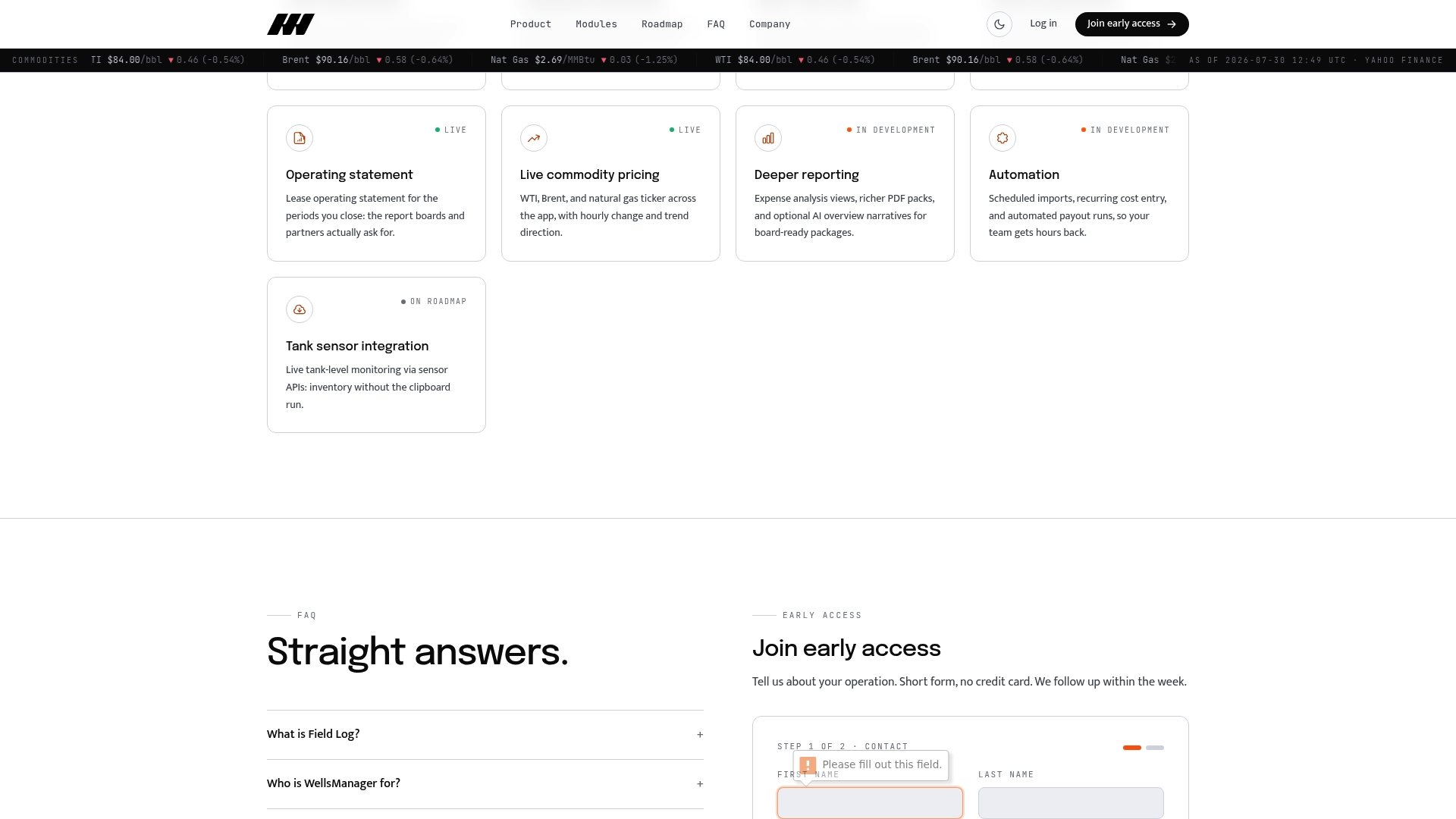
The platform maps directly to the compliance needs covered throughout this article:
- Centralized per-well identifiers and status codes, eliminating the retyping that causes API number errors.
- Automated validation rules that catch mismatched volumes and duplicate entries before they reach a regulator portal.
- Per-well profit and loss tracking built from the same data you’re already reconciling for compliance.
- Compliance notifications that flag upcoming filing deadlines across multiple jurisdictions.
- Audit trails that capture submission history and corrections automatically, ready for a royalty review or internal audit.
Explore how the full platform handles wells, costs, and field operations alongside compliance reporting, and if you’re ready to see it against your own well portfolio, you can request access to get started.
Primary Regulator and Data Portal Links to Bookmark
Keep these bookmarked and check them periodically, since portal formats and deadlines do get revised without much advance notice.
- ONRR OGOR-A instructions: the authoritative source for federal, OCS, and Indian lease reporting requirements, field definitions, and deadlines.
- BSEE Production Data Online Query: downloadable production exports and field definitions for lease, platform, and facility-level data.
- Texas Railroad Commission Oil & Gas Production Data: statewide production data portal with downloadable lease and well-level exports.
- Pennsylvania GreenPort Report Extracts: extract tool for statewide well production data by reporting period.
- Utah OGM Oil and Gas Report by Well: monthly per-well production reports available for direct download.
Most state and provincial portals also publish sample forms and data dictionaries alongside their submission tools. If you operate across multiple jurisdictions, it’s worth setting a quarterly reminder to check each portal for format changes, since a regulator updating its file specification without much notice is exactly the kind of thing that turns a routine monthly filing into an unexpected rejection.
Sources
- OIL AND GAS OPERATIONS REPORT PART A - WELL PRODUCTION (OGOR-A)
- Production Data Online Query
- Oil & Gas Production Data
- Oil and Gas Production - Report Extracts - GreenPort
- Oil and Gas Report by Well | Oil, Gas, and Mining